PNG to ICO
Convert PNG images to an ICO using our free PNG to ICO converter tool at Image Toolz.




PNG to ICO Convert PNG Images to ICO Format
Most people never think about icon files until they need one.
You're building a website, setting up an app, or customizing your desktop. Everything is ready. Then you realize your image is a PNG, and the platform is asking for an ICO file. That's a frustrating moment, especially when you don't know where to start.
This tool fixes that problem in seconds. No software. No confusion. Just a clean, fast conversion from PNG to ICO.
What Is PNG to ICO?
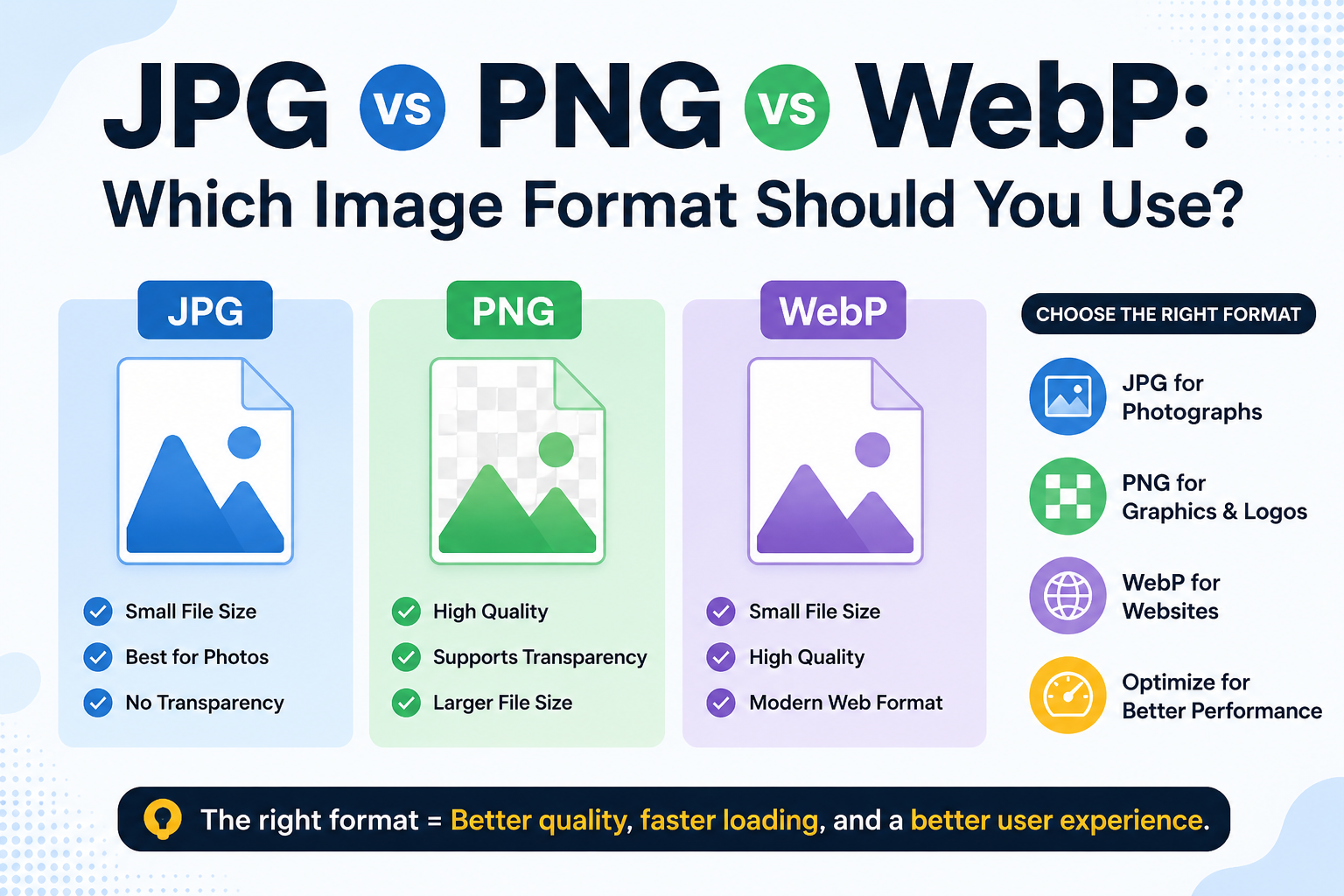
PNG is a widely used high-quality image format. It's sharp, supports transparency, and works across almost every platform. Most logos, graphics, and illustrations are saved as PNG.
ICO is an image format designed for icons. Windows uses it for desktop shortcuts, application icons, and the small image that appears on browser tabs, commonly called a favicon. ICO files can store multiple image sizes, which is why they're the standard format for icons, unlike PNG.
A PNG-to-ICO converter takes your existing PNG image and converts it into a proper ICO file, sized and formatted exactly as operating systems and browsers expect.
How to Use the PNG to ICO Tool
The process is simple and takes less than a minute:
- Open the PNG-to-ICO tool on Image Toolz.
- Click "Choose File" and select your PNG image, or use "Use Remote URL" to paste a direct image link.
- Select your preferred icon size from the dropdown options include 16×16, 24×24, 32×32, 48×48, 64×64, 96×96, 128×128, 192×192, 256×256, or All Sizes at once
- Click "Convert"
- Download your ICO file instantly.
Use Cases of PNG to ICO Tool
This tool is more useful than most people expect. Here's where it actually comes in handy:
- Creating a website favicon: That tiny icon in the browser tab? It's an ICO file. Every professional website has one, and this tool makes creating yours completely effortless.
- Windows application icons: Developers and designers building Windows apps need ICO files for their software icons. This tool delivers exactly what's required.
- Desktop shortcuts and folders: Want to customize how a folder or shortcut looks on your desktop? ICO is the image format Windows uses for its icons.
- Branding and UI design: Designers often need to deliver assets in multiple formats. Converting a logo from PNG to ICO is a common part of that workflow.
- Game development: Indie developers frequently need custom icons for their game executables. PNG-to-ICO conversion is a standard step in that process.
Benefits of Using Our Tool
Finding a reliable ICO converter online is harder than it sounds. Many tools are outdated, covered in ads, or produce files that don't work properly. This one is built actually to work cleanly and consistently.
- 100% free: no payment, no trial limits, no upgrade walls
- Multiple icon sizes: choose one size or generate all sizes at once
- Remote URL support: convert images directly from a web link
- No installation required: runs entirely in your browser
- No sign-up needed: open the tool and start immediately
- Fast conversion: your ICO file is ready within seconds
- Privacy protected: files are not stored after conversion.
FAQs
Can I choose a specific icon size?
Yes. The tool offers sizes ranging from 16×16 to 256×256 pixels. You can also select "All Sizes" to get all standard sizes in a single conversion.
Is there any file size I can upload?
Up to 5MB. For larger PNG files, resize or compress them first before converting.
Is this tool completely free?
Yes, no hidden charges, no subscription, no usage limits.
Are my files stored after conversion?
No. Your files are never saved on any server or shared with anyone.
.png)
Image Toolz
CEO / Co-Founder
I am a software engineer, web developer, and Google AdSense expert with two years of experience. I created a free image tools website to provide easy and accessible image tools for everyone.
Popular Tools
Recent Posts