Free vs Paid AI
The actual difference comes down to four things
Free AI Image Tools vs Paid AI Image Tools: Which One Do You Actually Need?
About eight months ago, I spent three days testing AI image tools for a freelance project. I needed to compress images, convert formats, remove backgrounds, and resize batches of product photos, all for a single client delivery.
I started with paid tools. Subscriptions, trials, credit limits. One tool is charged per image after a certain count. Another required a monthly plan to unlock WebP export.
Then I switched to free tools for the same tasks. Some were genuinely impressive. Others wasted my time completely. By the end of that week, I had a much clearer picture of when free is enough and when paying actually makes sense.
The Real Difference Between Free and Paid AI Image Tools
Most people assume paid means better. That's not always true, especially for image tasks.
The actual difference comes down to four things: output quality, usage limits, feature depth, and privacy.
Free tools often match paid ones in output quality for standard tasks such as compression, format conversion, and basic resizing. Where they fall short is in volume, advanced features, and consistency at scale.
Paid tools shine when you're processing hundreds of images, need batch automation, require specific output controls, or are working with sensitive client data that can't be processed on public servers.
Free AI Image Tools: What They Do Well
Free tools have come a long way. Most individual users, bloggers, students, and small business owners handle the majority of common image tasks without any payment.
- Compression: Tools like Image Toolz reliably compress images, often achieving 70–80% size reduction with no visible quality loss. For a blogger uploading images to WordPress, this is genuinely all you need.
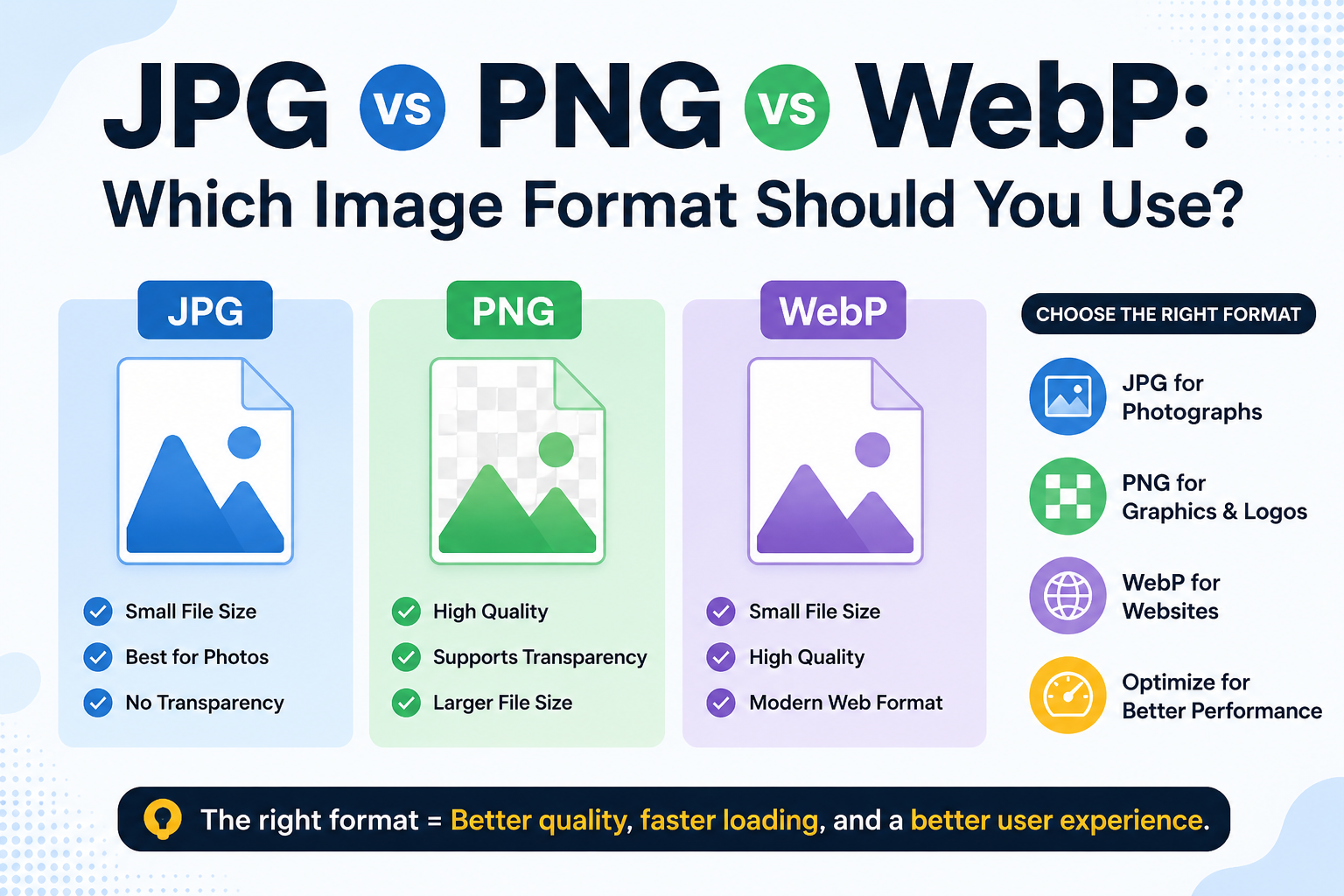
- Format conversion: Converting JPG to PNG, PNG to WebP, WebP to JPG, and similar tasks are handled cleanly by free tools. The output quality is identical to that produced by paid tools for the same job.
- Basic resizing and cropping: Most free tools support standard dimension adjustments without any watermarks or restrictions.
- Background removal: Tools like Remove.bg offer a free tier that handles simple backgrounds well. For product images on clean surfaces, the results are usable.
Pros of Free AI Image Tools
- No upfront cost accessible to anyone
- No commitment use when needed, no subscription to manage
- Sufficient for most everyday image tasks
- Many are browser-based, no installation required
- Privacy-conscious options exist that delete files immediately
Cons of Free AI Image Tools
- Daily or monthly usage limits on many platforms
- Slower processing during high-traffic periods
- Limited batch processing usually involves one image at a time
- Advanced controls (quality sliders, resolution settings) are often locked behind paid tiers
- Some free tools display ads or store uploaded files longer than expected
- Customer support is minimal or nonexistent
Paid AI Image Tools: What Justifies the Cost?
Paying for an image tool starts making sense when your volume or complexity outgrows what free tools can handle.
Adobe Photoshop and Lightroom: For professional photo editing, color grading, and batch export workflows, these remain the industry standard. The AI-powered features, neural filters, sky replacement, and generative fill are genuinely useful and not available in free alternatives.
Canva Pro: The free tier is solid, but the paid version unlocks background removal for any image, brand kit management, and a content scheduler. For social media managers handling multiple brands, the upgrade pays for itself quickly.
Cloudinary: For developers managing image delivery at scale, Cloudinary's paid plans offer automated optimization, responsive delivery, and CDN integration. Free tools can't match this infrastructure.
Midjourney and DALL-E (paid tiers): If you're generating AI images for commercial use, paid plans offer commercial licensing, higher-resolution outputs, and priority generation.
Pros of Paid AI Image Tools
- Unlimited or high-volume processing
- Batch automation saves hours on large projects
- Advanced output controls resolution, quality, and color profiles
- Commercial usage rights are clearly defined
- Priority processing and faster results
- Dedicated customer support
- Better data security and privacy agreements
Cons of Paid AI Image Tools
- Monthly or annual subscription costs add up
- Many require an annual commitment for the best pricing
- Some platforms lock features behind higher tiers even after you've paid
- Overkill for users who only process a few images per week
- Trial periods can be short and confusing about what's included
Side-by-Side Comparison
FeatureFree ToolsPaid Tools
Cost Free $5–$50+/month
Image quality Good for standard tasks Good to professional-grade
Batch processing Limited or unavailable Available
Usage limits: Often restricted, usually unlimited
Advanced controls Basic Full control
Commercial license: Often restricted. Clearly included
Privacy/data handling varies — check each tool. Contractually defined
Customer support, Community or none, Dedicated support
Best for Individuals, bloggers, students, professionals, agencies, and developers
Who Should Use Free Tools
If you're a blogger optimizing images before uploading, a student working on a project, a small business owner who processes a handful of product photos each week, or someone who needs occasional format conversions, free tools are genuinely sufficient.
Platforms like Image Toolz offer free compression, format conversion (JPG, PNG, WebP, BMP, GIF, ICO), and basic image tasks. No sign-up, no watermark, no file storage after conversion. For these use cases, paying for an additional tool would be redundant.
Who Should Pay
If you're a professional designer, a developer building image-heavy web applications, a photographer delivering client galleries, or a marketing team running high-volume content production, a paid tool will save you time and headaches.
The math is simple: if the tool saves you two hours of manual work per week, a $15/month subscription pays for itself in the first day of use.
Common Mistakes People Make
- Paying for features they never use. Many users subscribe to a full creative suite when they only need one or two features. Check if a free tool covers those specific tasks before committing to a subscription.
- Assuming free means lower quality. For compression, resizing, and format conversion, free tools often produce results identical to those of paid tools. Quality depends more on the tool's algorithm than its price tag.
- Ignoring privacy terms on free tools. Some free platforms store your uploaded images for days and use them to train models. If you're uploading client work or sensitive images, read the privacy policy before using any tool, free or paid.
- Switching tools mid-project. Inconsistent tools produce inconsistent outputs. Pick one tool per task type and stick with it throughout a project.
FAQs
Are paid AI image tools worth it for a small blog?
Usually not. For a blog, free tools handle compression, resizing, and format conversion completely well. The paid upgrade becomes worthwhile only if you're managing a content team, publishing dozens of articles weekly, or need features like automated image optimization on upload.
Do free tools compromise image quality compared to paid ones?
For standard tasks, compression, format conversion, and basic resizing. The quality difference is negligible. The gap shows up in advanced processing, AI generation quality, batch accuracy, and fine-grained output control.
What free tool is best for compressing images for a website?
For website use, a tool that supports WebP alongside standard formats offers the most flexibility. Tools that offer format conversion and compression together without requiring separate platforms save the most time.
Is it safe to upload client images to free tools?
Check the privacy policy first. Reputable free tools delete files immediately after processing and don't store or share them. Tools that specify automatic deletion and no server-side storage are generally safe for everyday client work.
.png)
Image Toolz
CEO / Co-Founder
I am a software engineer, web developer, and Google AdSense expert with two years of experience. I created a free image tools website to provide easy and accessible image tools for everyone.
Popular Tools
Recent Posts