Image Compressor
Reduced the image size without losing quality using our online image compressor tool at Image Toolz.
| Preview | File Name | Status | Old Size | New Size | Saved | Action |
|---|---|---|---|---|---|---|
|
|
-- | -- | -- | Download |



What Is an Image Compressor?
An image compressor is an online tool that easily reduces an image's file size without visibly changing how it looks. Now, that sound might be too good to be true. How can a file get smaller while the image stays the same?
Here's the honest answer. Every image carries hidden data, extra information your eyes never actually see. An image compressor finds that invisible data and removes it. The photo keeps its sharpness. The file gets lighter.
We tested this ourselves using Image Toolz. A photo that was 534.99KB dropped to 105.66KB, an 80% reduction, and the image looked the same on screen. That kind of result is normal with a good compressor.
How to Use the Image Compressor Tool
There are no complicated steps here. No technical knowledge required. Just follow this simple process:
- Open the Image Compressor on Image Toolz
- Click "Choose an Image." Or Drag & Drop.
- The tool compresses your file automatically
- See the old size, new size, and percentage saved
- Click Download done
That's it. The tool handles everything on its own. No settings to adjust. No account to create. Files up to 5MB are supported, which covers almost every everyday image you'll work with.
Use Cases of Image Compressor
Here's something most guides won't tell you. An image compressor is not just for website owners or developers. It's useful for almost anyone who works with photos daily.
- Sending images on WhatsApp or Email: Large files get stuck, take forever to send, or don't send. Compress first, share instantly.
- Clearing phone and laptop storage: Photos stack up quietly until one day your device says it's full. Compressing a few hundred photos can free up serious space without deleting a single memory.
- Uploading to social media: Instagram, Facebook, and LinkedIn all recompress your images when you upload them. If your original file is already bloated, the platform makes it look worse. Send a compressed version, and the quality holds up far better.
- Freelancers and designers: Client deliverables look more professional when files are clean and lightweight. Nobody wants to receive a 6MB JPEG in their inbox.
- Students and teachers: Attaching images to assignments or presentations is much easier when your file isn't too large to meet the upload limit.
- Online sellers: Slow product images kill sales. Compressed photos load fast and keep potential buyers on your page long enough to actually buy.
Benefits of Using Our Tool
Not every free tool out there is worth your time. Many of them come with hidden limits, annoying ads, or, worse, store your files after you leave. That's not what you want.
Here's why this tool is genuinely different:
- 100% free: no paid plan, no trial period, no surprises
- No sign-up needed: open the tool and start immediately
- Automatic compression: no manual settings, no guesswork
- Privacy protected: your images are not stored after compression
- Clean interface: no ads cluttering your screen
- Works on any device: browser-based, nothing to install
FAQs
1. Is there a maximum file size I can upload?
Up to 5MB. If your file is larger, try resizing the image dimensions first, then run it through the compressor.
2. Is this tool completely free?
Yes. No hidden charges, no subscription, no "upgrade to continue" walls.
3. Which formats are supported?
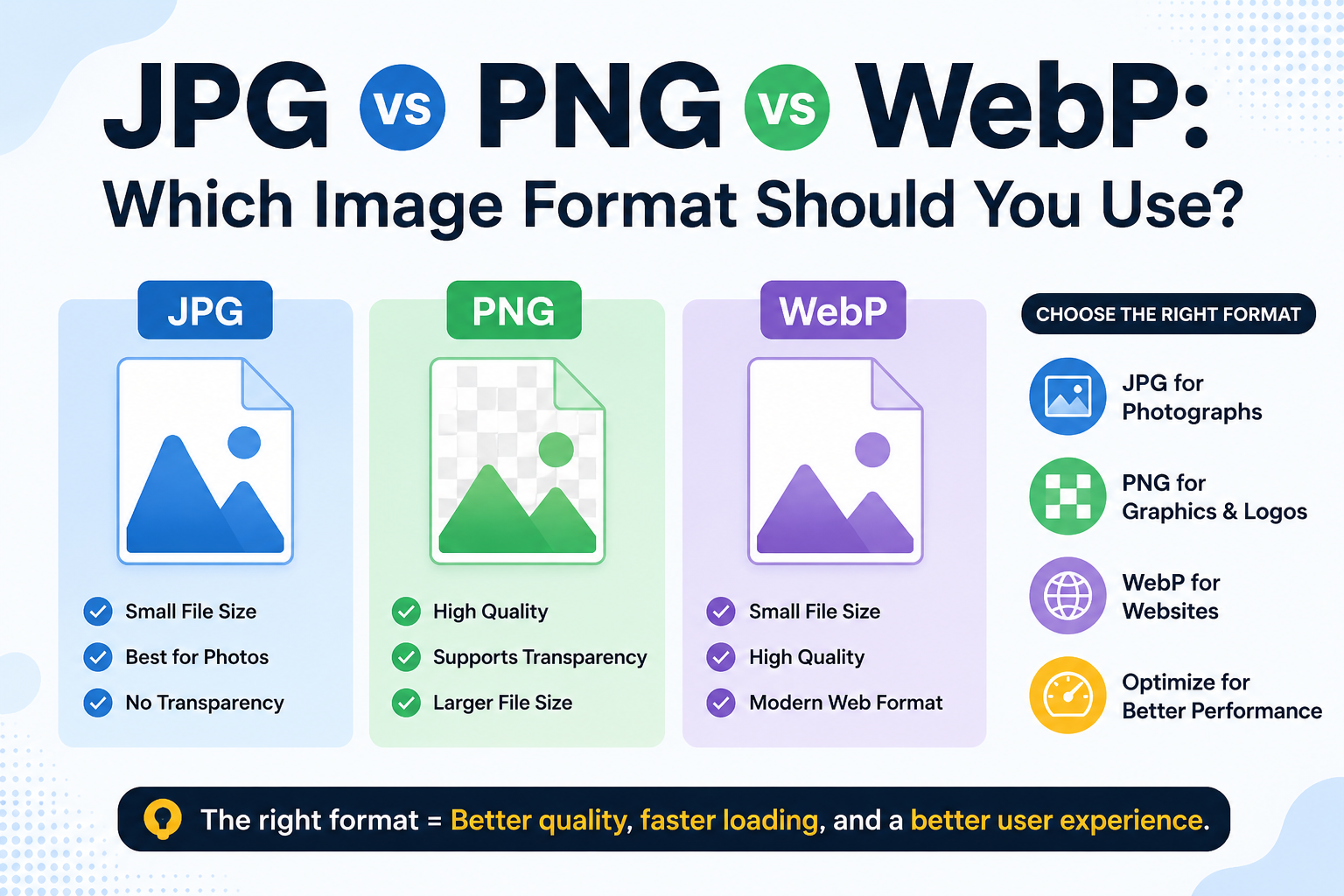
JPEG and PNG are the two most common image formats used everywhere.
4. Did my image save on the server?
No. Once you download your compressed file, nothing is stored. Your images stay yours.
.png)
Image Toolz
CEO / Co-Founder
I am a software engineer, web developer, and Google AdSense expert with two years of experience. I created a free image tools website to provide easy and accessible image tools for everyone.
Popular Tools
Recent Posts